
★★★★★Free Fire Max
Best Sensi Calculator 2026
Device Engine & Smart Hardware Recognition
General--
Red Dot--
2x Scope--
4x Scope--
Sniper Scope--
Free Camera--
Fire Button Size
----
Best Free Fire MAX Sensi Tips by Player Role (2026)
FF MAX Rusher Sensi Tips
Free Fire MAX graphics create a slightly heavier swipe feel. Rushers need higher General sensitivity for quick 360° close-range one-tap drag.
- Keep General 5–10 points higher to counter HD graphic frame pacing
- Avoid copying classic FF values — MAX drag needs independent tuning
- Practice SMG & shotgun rotation drag in Training Ground first
FF MAX Sniper Scope Sensi Tips
Sniper players require stable crosshair tracking without jitter. Keep high-power scopes slightly lower to maintain pin-point long-range accuracy.
- Lower 2X & 4X scope by 3–5 points if aim shakes during MAX visual effects
- Lock Red Dot sensitivity first before adjusting sniper scope values
- If the device warms up mid-match, lower visual effects to stabilize touch response
Free Fire MAX Sensi for Beginners
New MAX players often copy classic Free Fire settings and miss one-tap shots. Start with balanced device-accurate sensi tuned for HD graphics, then practice drag timing in Training Ground.
- Safe Starting Values: Balanced slider presets (0–200 scale) for 2, 3, and 4-finger claw setups
- Optimized for 6GB+ RAM: Smooth frame pacing and zero touch lag on mid-to-high-end phones
- Master MAX Drag: Learn vertical recoil drag on HD visuals before switching to high pro sensi
MAX SEASON EVENT UPDATE
Free Fire MAX Ranked Season Sensitivity Settings
Pushing Grandmaster in BR & Clash Squad? Generate device-accurate Free Fire MAX sensitivity tuned for zero recoil, smooth one-tap drag, and stable FPS on HD graphics.
Pro Tips for Free Fire MAX One-Tap Headshot Aim (2026)
Proven Free Fire MAX gameplay habits — graphics, thermal throttling, and sensi presets tuned for Ranked push.
Stable FPS Beats Ultra HD
On Free Fire MAX, smooth frame pacing matters more than Ultra graphics. If aim drag feels delayed during close fights, drop visual effects to 'Smooth' or 'Standard' with High FPS.
Never Copy Classic FF Sensi
MAX visual textures and fire effects make screen dragging feel 5–10% heavier. Always calculate dedicated Free Fire MAX sensitivity codes instead of reusing classic presets.
Prevent Phone Overheating
Long MAX Ranked sessions heat up mid-range phones, causing touch sampling drops and fake "bad sensi." Let the device cool down to maintain consistent drag response.
Tweak One Slider at a Time
Lock General sensitivity and Red Dot first in Training Ground. Once your vertical one-tap drag feels natural, fine-tune 2X and 4X scopes for long-range precision.
Latest Free Fire Max news
Updates & guides for Max players — latest 5 posts · 8 on site.
Free Fire Redeem Code Today 21 October 2026 - Get Free Rewards
Free Fire Redeem Code Today 21 October 2026 - Get Free Rewards
Read more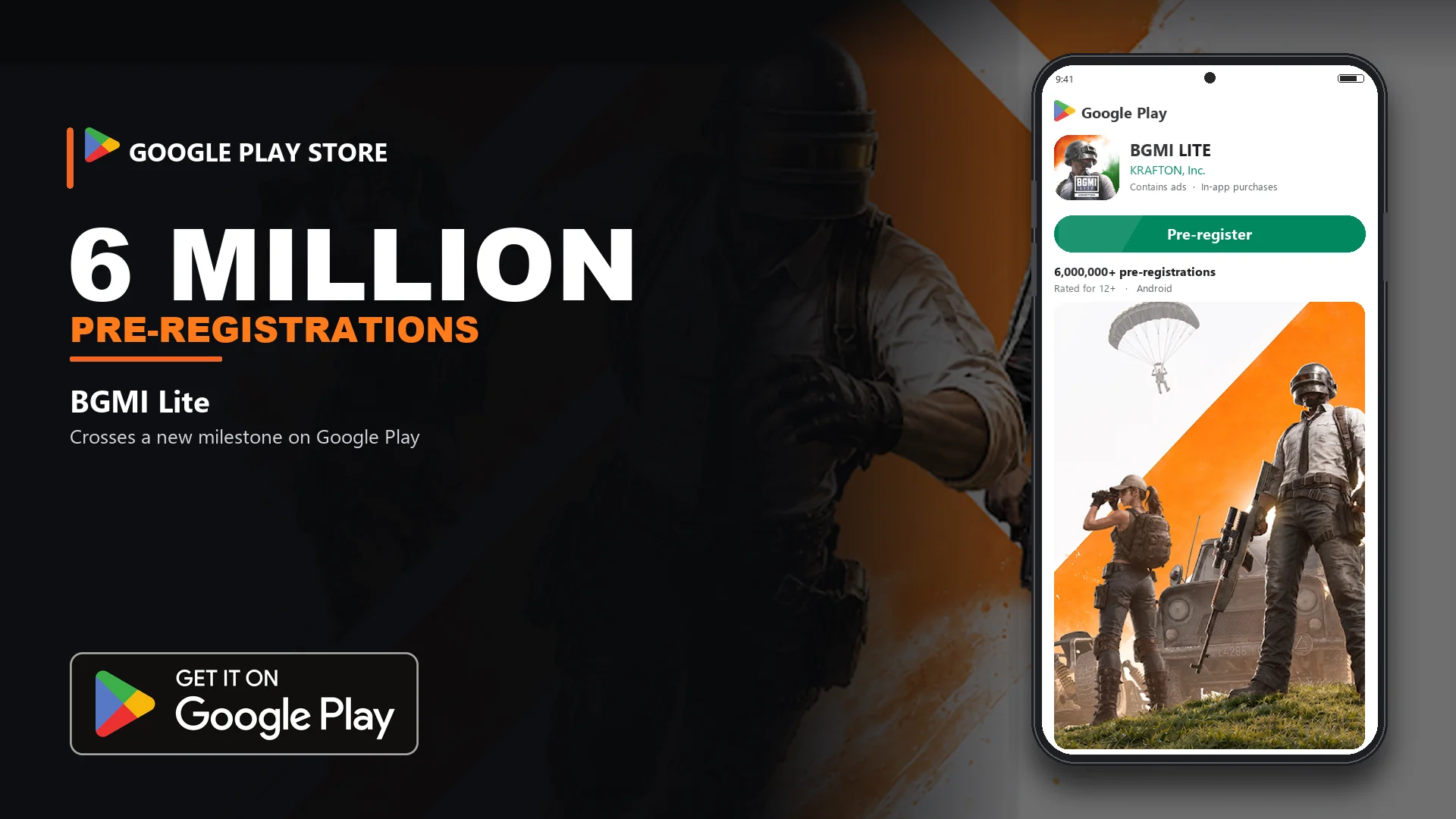
BGMI Air Crosses 6 Million Pre-Registrations on Google Play Store
BGMI Air Crosses 6 Million Pre-Registrations on Google Play Store
Read more
BGMI 4.6 Update feature, Download Size, How to Download BGMI APK, and Official APK Link
BGMI 4.6 Update feature, Download Size, How to Download BGMI APK, and Official APK Link
Read more
BGMI 4.6 Update Will Bring Kiaraa, Krafton’s Original Character — New Map, Boss Fight, and Rewards
BGMI 4.6 Update Will Bring Kiaraa, Krafton’s Original Character — New Map, Boss Fight, and Rewards
Read more
PUBG Mobile 4.6 Update Release Date, New Vampire Modes, and Download APK
PUBG Mobile 4.6 Update Release Date, New Vampire Modes, and Download APK - PUBG Mobile 4.6 will go live worldwide on…
Read moreFree Fire Max vs Free Fire
| Point | Free Fire | Free Fire Max |
|---|---|---|
| What you see | Lighter textures, easier FPS | HD textures, lighting & effects |
| Phone load | Smaller install, cooler phone | Heavier app — heat & FPS matter |
| Sensi you should use | Classic Free Fire calculator | This Max calculator (not FF codes) |
| Aim feel | Usually snappier drag | Heavier — retune General / Red Dot |
| Account / rank | Shared via Firelink | Same progress — different feel |
| Pick this if | Budget phone / max FPS focus | Mid–flagship phone + better visuals |
Still on classic Free Fire? Open Free Fire calculator
RAM-wise Free Fire Max sensitivity
| RAM | General | Red Dot | 2X | 4X | Sniper | Free Look |
|---|---|---|---|---|---|---|
| 3–4GB | 95–100 | 90–98 | 90–100 | 85–95 | 45–60 | 75–90 |
| 6–8GB | 85–95 | 80–90 | 80–90 | 75–85 | 40–55 | 70–85 |
| 12GB+ | 75–88 | 70–82 | 70–85 | 65–80 | 35–50 | 60–75 |
Tip: On Max, if FPS dips in fights, keep General a bit higher — then fine-tune in Training Ground.
Switch Between Free Fire & FF MAX Sensi Tools
Free Fire
Lighter classic Free Fire — better when you want max FPS on a budget phone.
- Cooler phone, smoother FPS
- Separate classic sensi tool
- Same account via Firelink
Free Fire Max
You’re on the Max tool — built for heavier graphics so aim doesn’t feel sticky or too floaty.
- Tuned for Max feel, not FF codes
- Works best on 6GB+ phones
- Scroll up to recalculate anytime