BGMI Lite Sensitivity Calculator

Choose your Lite play style

Tap a style — the BGMI Lite calculator Play style updates automatically.

BGMI Lite calculator— tuned for entry phones (~2GB RAM, 30–60 FPS). Values follow Lite-family / low-end research until Krafton publishes final Lite specs. Apply in Settings → Sensitivity, then fine-tune in Training Ground.

Enter device details and tap Calculate for BGMI Lite Camera, ADS, and Gyroscope values.

Best BGMI Lite Sensitivity Tips for Zero Recoil (Play Style Guide)

Close-Combat & Rusher Sensitivity (1v4 Focus)

Designed for rushers on 2GB/3GB RAM phones to eliminate touch delay and deliver zero-recoil hip-fire during close-range 1v4 pushes.

  • High No-Scope ADS: Set Camera & ADS (No Scope) to 120%–140% for lightning-fast hip-fire tracking and room clears.
  • 2–3 Finger Claw Optimized: Keep claw setups simple on 2GB/3GB RAM phones to avoid touch input delay and frame drops.
  • Red Dot Recoil Control: Tune Red Dot ADS between 55%–65% for stable short-range SMG (Uzi/UMP) and AR (AKM/M4) sprays.
  • Close-Range Gyro: Set No-Scope Gyroscope above 300% to snap instantly onto moving targets without screen drag.

Mid to Long-Range Recoil Control (Sniping & Spray)

Low-end devices suffer from screen shake at high sensitivity. Stable, lower values give laser sprays with M416 and pin-point sniper precision.

  • Laser 3x & 4x ADS Sprays: Lower 3x and 4x ADS sensitivity to 22%–32% to prevent crosshair climb during long bursts.
  • Sniper Micro-Adjustments: Keep 6x and 8x sensitivity between 12%–18% for pixel-perfect headshots with DMRs and bolt-actions.
  • Use 'Scope On' Gyro: Enable Scope-On Gyro instead of Always-On to stop sensor drift and save CPU performance on budget chips.
  • Avoid 90/120 FPS Codes: Standard BGMI flagship codes cause severe recoil bounce on 30–60 FPS Lite displays; stick to Lite-tuned values.

BGMI Lite Sensitivity Guide for Beginners (No-Recoil Setup)

Tuned for 2GB–4GB RAM and 30–60 FPS budget devices. Direct copy-pasting of high-end Conqueror codes causes jitter and frame skips on low-end hardware; start with stable, balanced values.

  • Balanced Base Settings: Pre-configured Camera, ADS, and Gyroscope values designed specifically for smooth crosshair control without screen shudder.
  • Start with Scope-On Gyro: Master Scope-On before switching to Always-On Gyro to prevent hardware-level sensor lag and sudden aim jumps.
  • The ±5 Fine-Tuning Rule: Test in the Training Ground and adjust your ADS sensitivity by only ±2% to ±5% at a time until you lock consistent headshots.
  • Thumb & Two-Finger Friendly: Zero complex button layouts required—fully optimized for basic 2-finger and 3-finger thumb playstyles.
BGMI LITE APK LAUNCH UPDATE

BGMI Lite Launch Date & Pre-Registration India

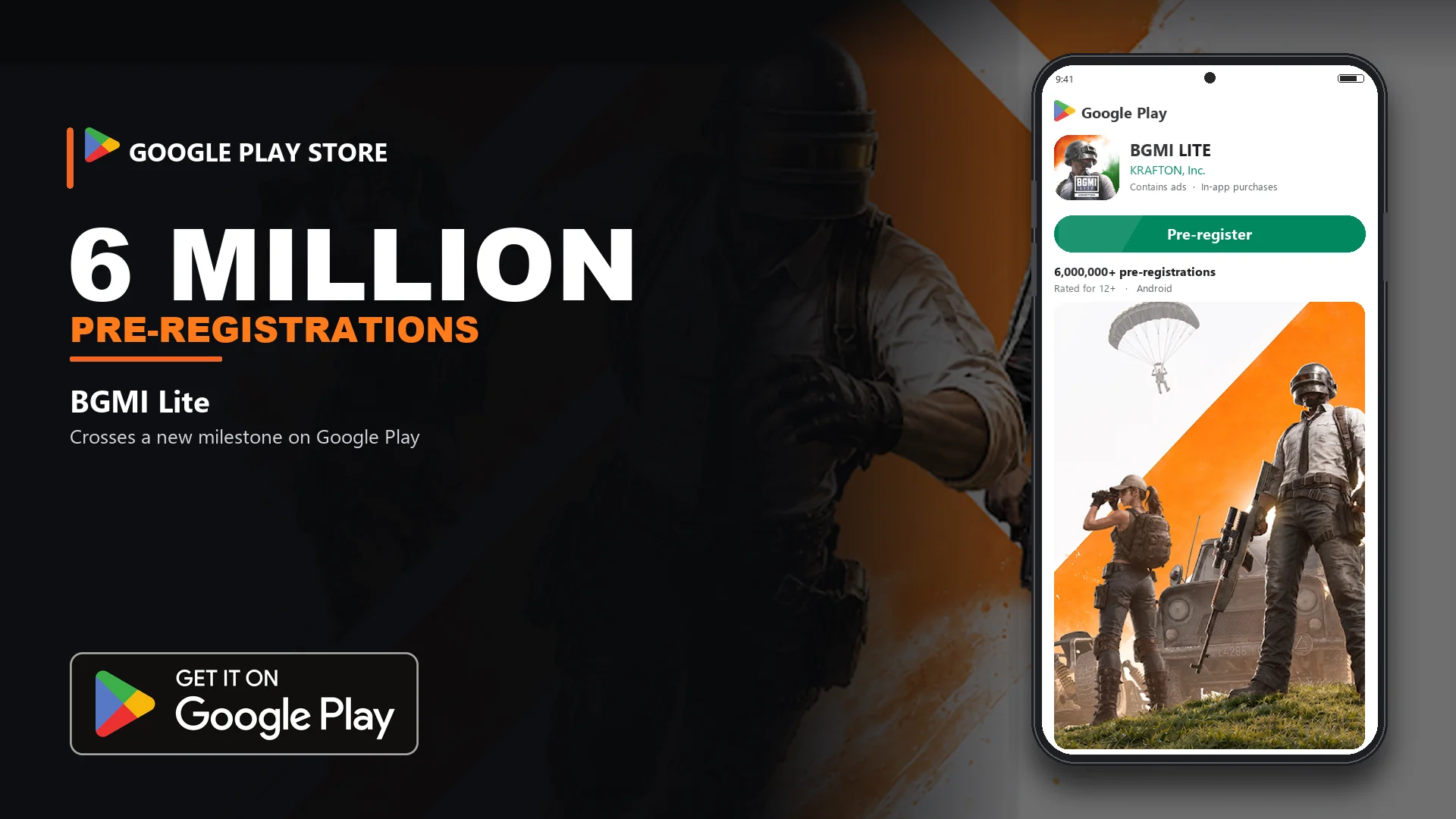
Krafton officially targets BGMI Lite for low-end Android devices (2GB/3GB RAM). Complete your Google Play pre-registration to unlock exclusive rewards, then generate custom zero-recoil Camera, ADS, and Gyroscope baseline sensitivity codes ahead of day one.

Pro Aim & Recoil Control Tips for BGMI Lite

Essential gameplay habits and device optimizations proven to stabilize recoil better than copying flagship sensitivity codes.

Lock Stable Frame Rates (Smooth + Max FPS)

Set graphics to Smooth and lock the highest steady frame rate available (30, 40, or 60 FPS). Frame drops create micro-stutter, rendering even flawless ADS sensitivity unresponsive.

Use 'Scope On' Gyroscope on 2GB/3GB Devices

Always-On Gyro strains low-tier sensors and causes crosshair drift while looting or running. Selecting Scope On saves CPU load while delivering exact tilt precision during ADS sprays.

Avoid 90/120 FPS BGMI Codes on Lite

Standard BGMI flagship sensitivities severely overshoot on 60 Hz budget screens. Use our dedicated Lite calculator baselines and adjust within a safe ±2% to ±5% range.

Isolate & Tweak One Scope Value at a Time

Dial in your Red Dot and 3x Scope ADS first. Play 2 to 3 matches before adjusting long-range optics (4x/6x)—adjusting all sliders at once destroys muscle memory.

How It Works

4 Simple Steps to Get the Best BGMI Lite Sensitivity Settings for Zero Recoil & Low-End Devices.

  1. Select Device

    • Open the BGMI Lite sensitivity generator tool.
    • Select your budget Android phone model (Redmi, Realme, Infinix, etc.).
    • Match your device RAM (2GB, 3GB, or 4GB) for optimized performance.
  2. Enter Setup

    • Select your target frame rate (30 FPS, 40 FPS, or 60 FPS).
    • Set Gyroscope preference (Scope On or Always On for low-end phones).
    • Choose your playstyle (2-Finger, 3-Finger, or 4-Finger Claw setup).
  3. Generate

    • Click calculate to get custom Camera, ADS, and Gyroscope sensitivity.
    • Copy the generated sensitivity code or values directly into BGMI Lite settings.
    • Test and fine-tune your Red Dot, 3x, 4x, and 6x scope spray in the Training Grounds.
  4. Stay Stable

    • Set graphics to Smooth + Extreme to avoid frame drops during fights.
    • Avoid using high-end 90 FPS codes on low-RAM devices to prevent lag.
    • Save your custom code to maintain stable, no-recoil aim in every match.

BGMI vs BGMI Lite

Point BGMI BGMI Lite
Target DevicesMid-range to flagship smartphonesLow-end & budget Android devices
RAM RequirementsMinimum 4GB+ RAM for lag-free gamingOptimized for 2GB, 3GB & 4GB RAM
BGMI/BGMI Lite APK / Download SizeBGMI APK ~2GB to 3GB+ (High storage required)BGMI Lite APK ~1GB compact install (Fast download)
BGMI/BGMI Lite FPS & GraphicsUp to 60 / 90 / 120 FPS supportSmooth 30 to 60 stable FPS
BGMI/BGMI Lite Sensitivity SettingsFull BGMI Sensitivity Calculator (/bgmi)Custom BGMI Lite Sensitivity (ADS & Gyro)
Share BGMI Lite or BGMI Sensitivity CodesStandard BGMI Sensitivity Share CodesCustom low-recoil BGMI Lite sensitivity codes

Playing full version? Use BGMI Sensitivity Calculator for 90 FPS

RAM-wise BGMI Lite starting ranges (provisional)

RAMCam NSCam RDCam 2xCam 4xCam 6xGyro NS
2GB135–14560–7045–5522–3012–18180–210
3–4GB125–14055–6840–5220–2811–16170–200
6GB+115–13050–6235–4818–2610–15160–190

Tip: These are researched low-end baselines — not official Krafton Lite specs. Retune ±5 in Training Ground after Lite launches.

Explore More BGMI Sensitivity Calculator Tools & Updates

BGMI Sensitivity Calculator

Advanced Battlegrounds Mobile India sensitivity generator for mid-range and flagship devices with zero recoil presets.

  • Optimized 60 / 90 / 120 FPS high-refresh codes
  • Custom Camera, ADS & Gyroscope settings
  • Tested for 2, 3, and 4-finger claw players
Open BGMI Sensitivity Calculator

BGMI Lite APK & Release Date

Track official BGMI Lite release date countdown, Google Play Store pre-registration steps, and safe APK download guides.

  • BGMI Lite APK - Real-time launch countdown to 12 Nov 2026
  • Safe official BGMI Lite Google Play pre-registration guide
  • Works with our custom low-end Lite sensitivity
Check BGMI Lite APK & Updates

BGMI Lite Sensitivity Calculator: Settings for Low-End Phones (2026)

BGMI Lite is Krafton’s lighter Battlegrounds Mobile India client for entry-level Android phones. This calculator builds Camera, ADS, and Gyroscope starting points for devices that typically run around 2GB–4GB RAM and 30–60 FPS — not flagship 90/120 FPS setups.

Krafton has confirmed Lite for India (pre-registration / ~1GB initial download). Official minimum RAM and the final in-game sensitivity UI may still change before launch. Treat every number here as a researched baseline; retune after the live client ships.

Why Lite Needs Its Own Sensitivity

Full BGMI codes from 120 FPS claw players feel wrong on budget hardware. Lower frame rates and slower touch pipelines make the same slider feel jumpy or heavy. Lite-oriented presets use slightly higher camera/ADS for responsiveness and moderate gyroscope (not 300–400% pro values) so cheap sensors do not overshoot.

  • Camera: look around and pre-aim without firing.
  • ADS: aim while scoped / firing — primary recoil drag for non-gyro players.
  • Gyroscope: tilt control. Prefer Scope On on 2GB phones so looting and running do not drift the camera.

How to Use This Calculator

  1. Select your phone, RAM, and the FPS you actually hold stable (often 30 or 60).
  2. Choose finger layout and gyroscope mode (Scope On recommended for beginners).
  3. Tap Calculate, then copy Camera, ADS, and Gyroscope values into BGMI Lite Settings.
  4. Test Red Dot, 3x, and 6x in Training Ground. Adjust ±5 before ranked matches.

Quick Ranges for ~2GB Devices

Community Lite / low-end guides commonly sit near: Camera no-scope ~135–140%, Red Dot ~60–70%, 4x ~20–30%, with gyroscope no-scope closer to ~180–200% than flagship 300%+. Our tool scales those ranges to your RAM, FPS, and play style.

Graphics Tip for Smooth Aim

Keep graphics Smooth and frame rate at the highest stable option. Unstable FPS makes any sensitivity feel random. Turn off unnecessary effects if the phone heats or drops frames.

Frequently Asked Questions