
Become a Tester: Test FF Sensi Pro-Best Sensitivity App (APK) Get Free Rewards, Diamonds or Monthly Membership
Aug 23, 2026 22:15 IST
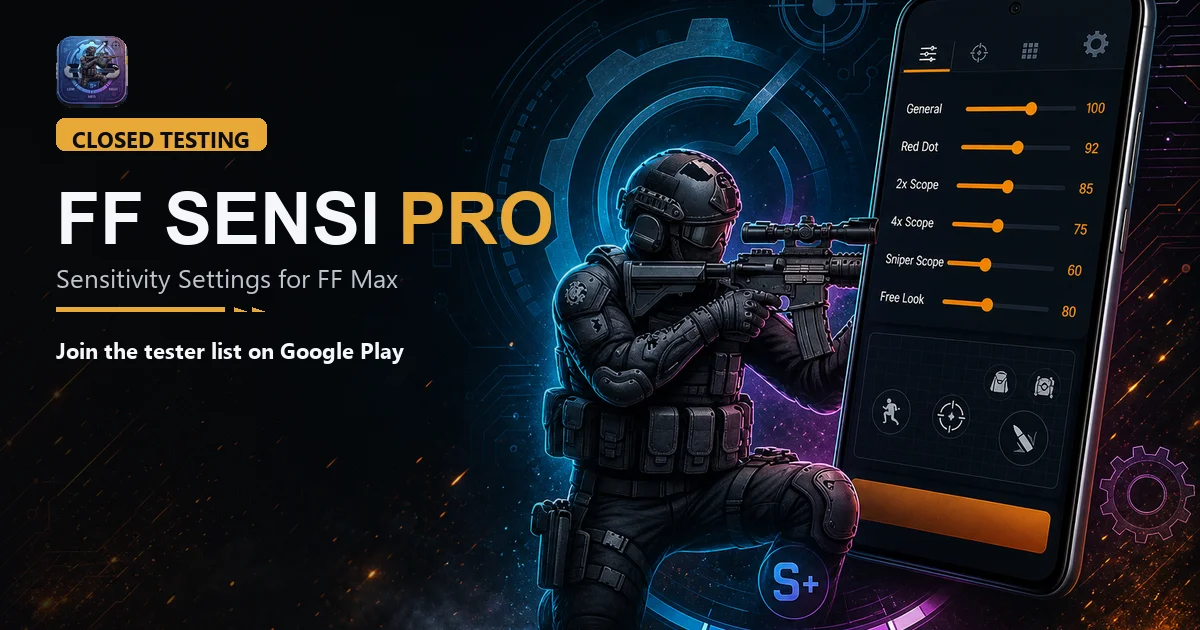
Become a Tester: Test FF Sensi Pro-Best Sensitivity App (APK) Get Free Rewards, Diamonds or Monthly Membership
We built FF Sensi Pro - Sensitivity Settings for Free Fire & Free Fire Max with 100% accuracy, players who want better aim, cleaner HUD, and settings that actually match their phone. A new version is ready, but we do not want to push it to everyone until real players try it. That is why we opened a closed test.
Closed testing is simple. Google Play lets a small group install the update first. You play like normal. If something is slow, confusing, or broken, you tell us. We fix it. Then the same build can go out to the full Play Store.
Become a Tester: Test FF Sensi Pro-Best Sensitivity App (APK) Get Free Rewards, Diamonds or Monthly Membership
After we add you, open this link on your Android phone and tap Become a tester:
https://play.google.com/apps/testing/com.ffsensitivity.app
Then download or update the app from Play Store:
https://play.google.com/store/apps/details?id=com.ffsensitivity.app
If the join page asks you to accept, tap yes. Then go back to Play and install. Updates for testers usually show up under the same app name: FF Sensi Pro - Sensitivity Settings for FF Max.
The latest test build is version 1.0.6. It is not the public listing yet. If you search the store and still see the old app, that is normal. Testers get this update through a special join link after we add their email.
Who can join
If you play Free Fire or Free Fire Max on Android, you can join. You do not need to be a pro. New players help too, because they notice things we miss. Use the same Gmail that is logged into Google Play on your phone. A different Gmail will not work.
What we want you to try
Install the app, sign in, and use it the way you would before a match. Check sensitivity for your device. Look at HUD and DPI tips. Open daily challenge, redeem, scratch, stylish names, and share if you use those. Tap around. Rotate the phone. Jump in and out of screens. If a page stays loading, a button does nothing, or a number looks wrong, that is useful. Even “this felt fine” is useful.
We also care about login, session, and small things like keyboard covering text, storage size, or device age looking off. You do not need special tools. Just play and be honest.
How to become a tester
First, leave a comment under this post with your Gmail. Write only the email you use on Play Store. We add that address to the closed testing list in Play Console. This step matters. Without it, Play will say the app is not available.
After we add you, open this link on your Android phone and tap Become a tester:
https://play.google.com/apps/testing/com.ffsensitivity.app
Then download or update the app from Play Store:
https://play.google.com/store/apps/details?id=com.ffsensitivity.app
If the join page asks you to accept, tap yes. Then go back to Play and install. Updates for testers usually show up under the same app name: FF Sensi Pro - Sensitivity Settings for FF Max.
If the download does not show:
Wait a little. Google sometimes takes a few hours to review a test release. If you already commented, we may still be adding emails. Check that the Gmail in your comment matches Play Store. Try the tester link again, not a random APK from somewhere else. Please do not sideload files from other sites. The safe way is Google Play only.
Want to test FF Sensi Pro?
Drop your Gmail in the comments below if you want to test the FF Sensi Pro app. That is all. We will add you, and you can use the links above to download.
Thanks for helping. A short closed test now means a better app for everyone later.
Comments
Share your thoughts. Comments appear after moderation.