
How to Play GTA 6 on Your Mobile Phone or PC with Xbox Remote Play
Nov 28, 2026 00:54 IST
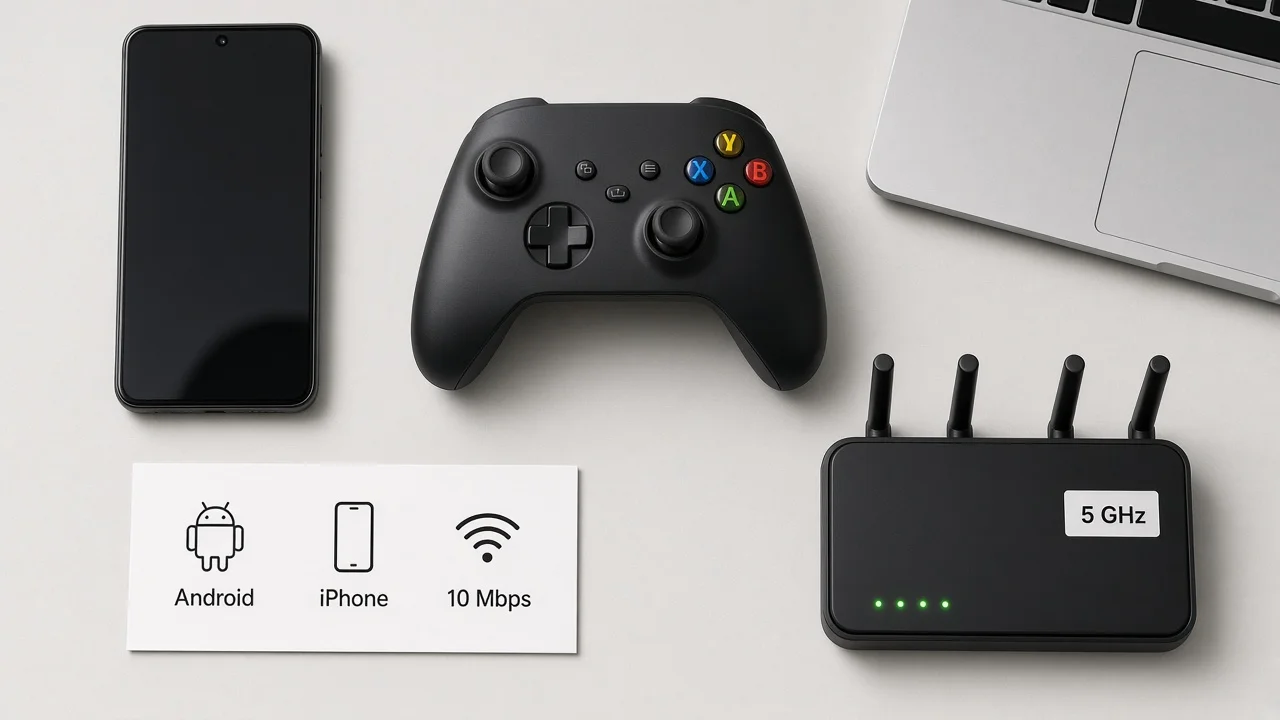
Your phone should be Android 6.0 or newer. An iPhone needs iOS 15.1 or newer. A PC needs Windows 10 or 11, version 22H2 or newer. Your internet speed should be at least 10 Mbps.
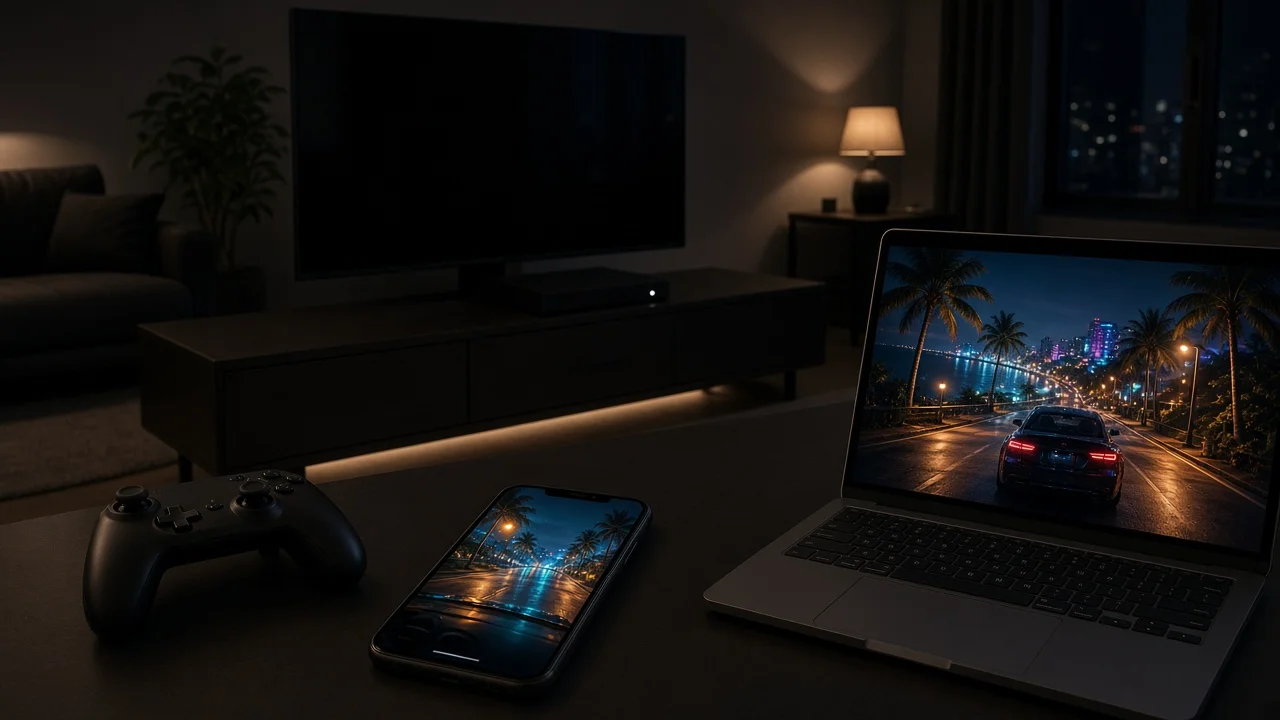
GTA 6 is now available on Xbox Series X, Xbox Series S, and PlayStation. The game was released on 19 November 2026. You do not have to sit in front of the console to play. With Remote Play, you can play the same game on your phone or PC. The console stays at home. The screen comes to your other device.
This is not cloud gaming. The picture goes from your own Xbox to your phone. So the game must already be installed on the console. The Xbox account must also be the same one you use to sign in on your phone or PC.
Get these things ready before you play GTA 6
GTA 6 does not download on a phone. It installs only on Xbox Series X and Series S. It does not run natively on Xbox One. For Remote Play, you also need a Series X or Series S with the game already downloaded.
Your phone should be Android 6.0 or newer. An iPhone needs iOS 15.1 or newer. A PC needs Windows 10 or 11, version 22H2 or newer. Your internet speed should be at least 10 Mbps. A 5 GHz Wi-Fi connection at home is better. Mobile data can work too, but it uses data quickly, and GTA 6 can lag more on a phone.
Also Read: GTA 6 Mobile APK Download Latest Version for Android is Available
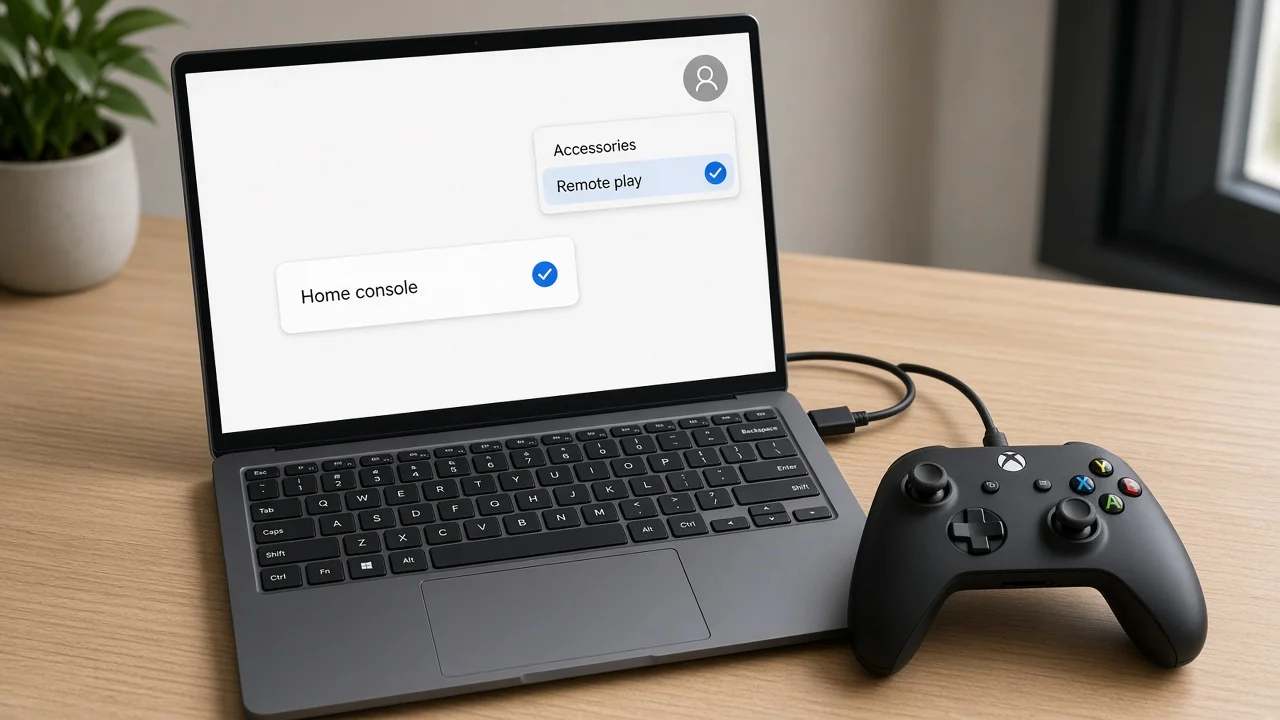
Use a controller. A phone has touch controls, but an Xbox controller feels much better in a game like GTA 6.
Turn on Remote Play on the console
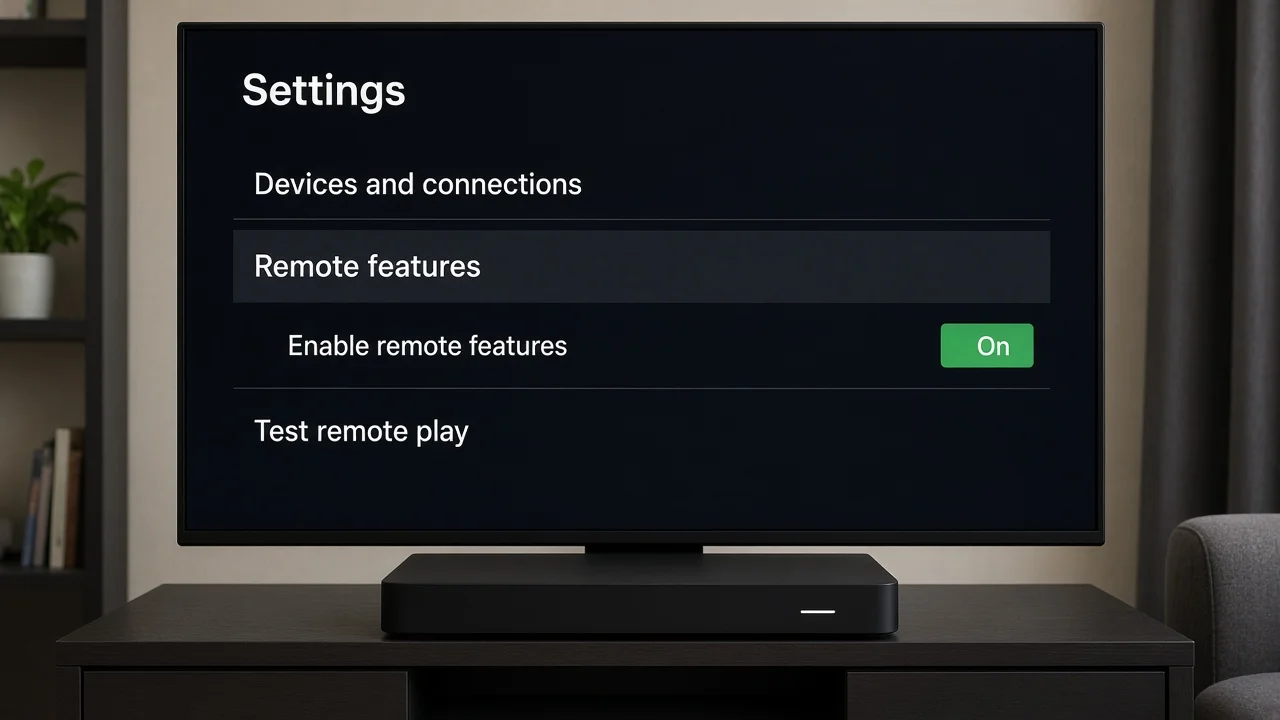
Open your Xbox. Go to Settings, then Devices & connections, then Remote features. Turn on Enable remote features. If you see Test remote play in the menu, run it once. It tells you whether your home internet can handle the stream.
Set the power mode to Sleep or Instant-On. The console will look off, but the light stays on, and it can turn on from somewhere else. If you power it off completely, your phone cannot connect. The console must stay plugged into power and connected to the internet.
How to play GTA 6 on your Mobile
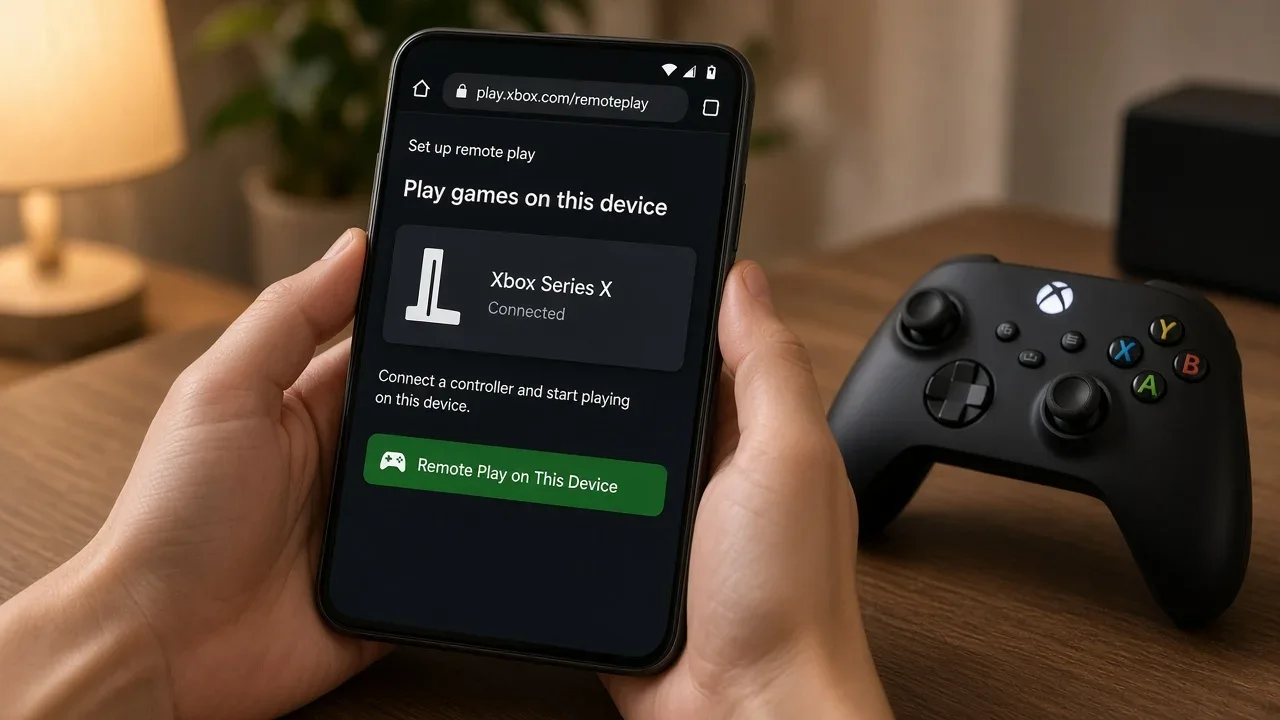
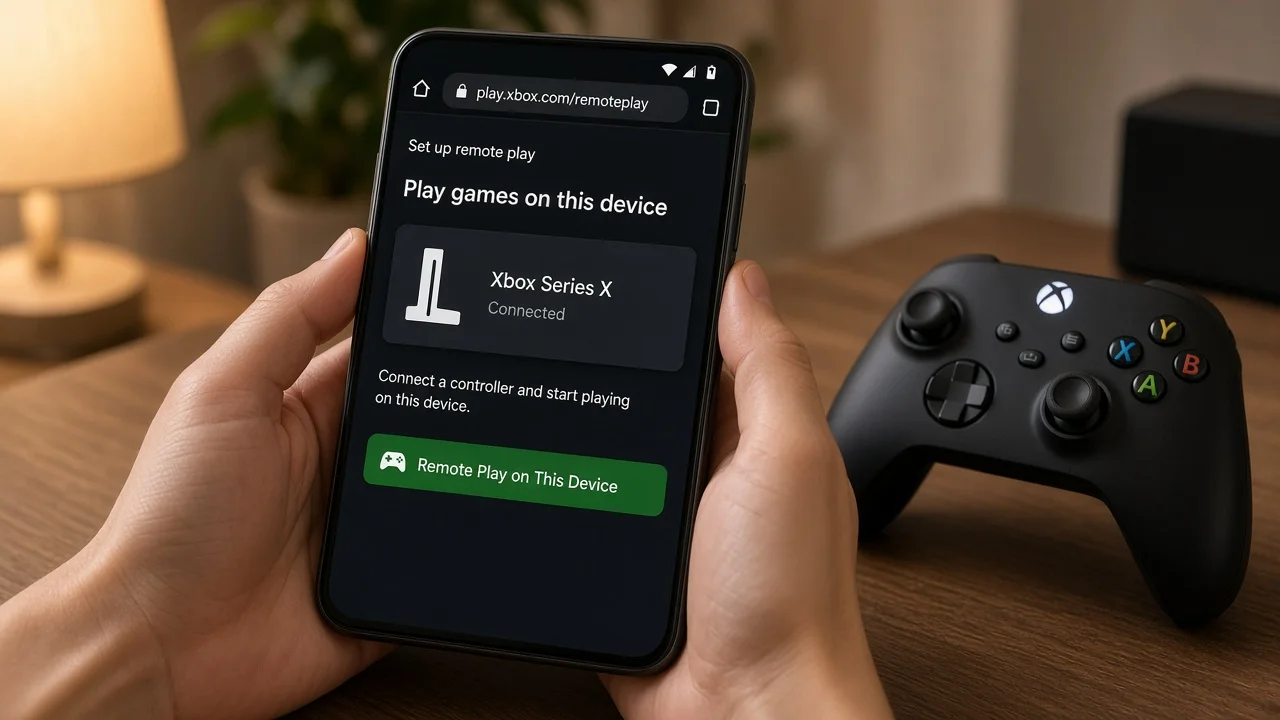
- Open Chrome or Safari. In the address bar, type play.xbox.com/remoteplay. Sign in with the same Microsoft account that is on your Xbox. Choose your console, then press Remote Play on This Device.
- The first time, the browser may ask for permission. Allow it. If the console is asleep, it wakes up on its own. After a short wait, the GTA 6 screen appears on your phone.
- Hold the controller’s pair button for three seconds, until the Xbox button blinks. Then add the controller in your phone’s Bluetooth list. A USB cable can also work if your phone supports it.
How to play GTA 6 on a PC
Cloud gaming and Remote Play are not the same
If the screen freezes while playing GTA 6 on your phone

Comments
Share your thoughts. Comments appear after moderation.
No comments yet. Be the first to comment.