
How to Download PUBG Mobile 4.7 APK and How to Install APK + OBB
Nov 27, 2026 10:12 IST

How to Download PUBG Mobile 4.7 APK and How to Install APK + OBB
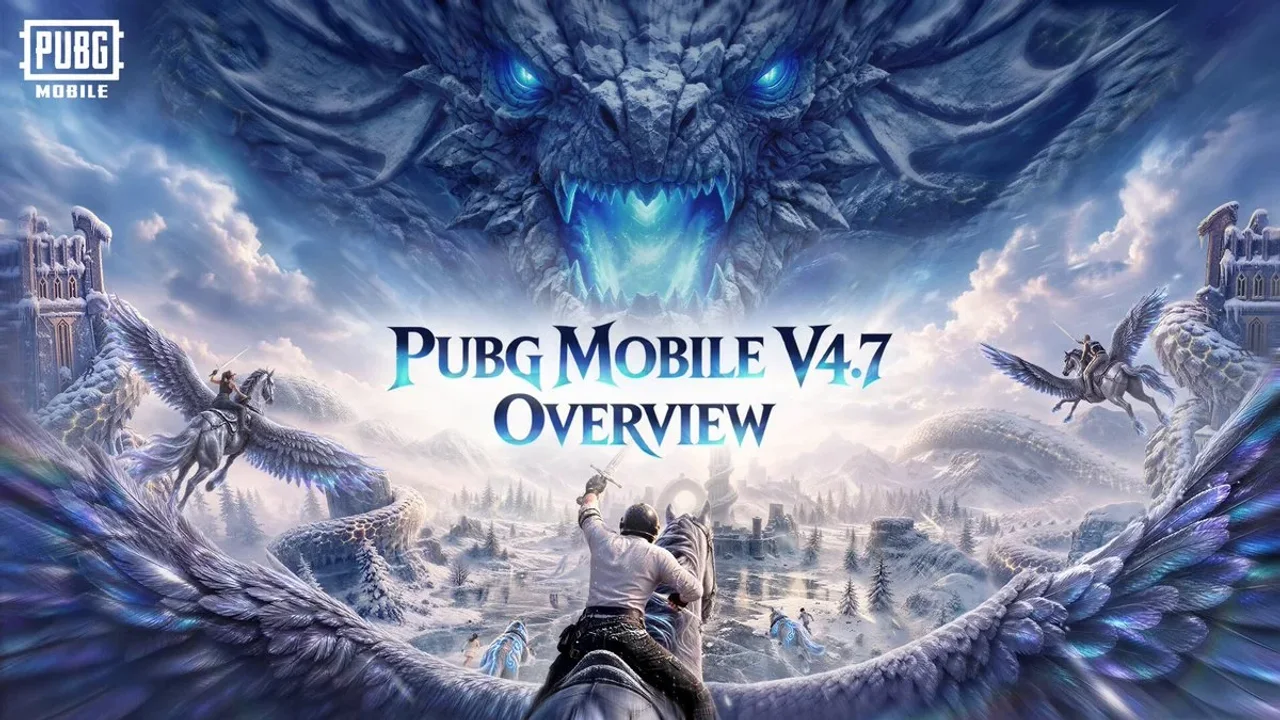
PUBG Mobile Version 4.7 has officially released on 12 November 2026. Many players on the internet are searching for how to download the PUBG Mobile 4.7 APK, and how to install the PUBG Mobile 4.7 APK and OBB file the right way. The safest method is always Google Play Store or App Store, because when you update from there, the data pack also updates by itself. Stay away from fake APK/OBB links, or you may face an account ban or a virus risk on your phone. We have given you a secure APK file. After downloading it, you can update the game.
How to Download PUBG Mobile 4.7 APK?
The global rollout of the PUBG Mobile 4.7 APK started on 12 November 2026, and it usually comes batch by batch, so not everyone will see the update at the same time. For Android users, the best option is Google Play Store, and for iOS users it is the App Store. If Play Store is not available, you can download the PUBG Mobile 4.7 APK from the official PUBG Mobile website. Before downloading, keep around 3–4 GB free storage on your phone and use fast Wi-Fi.
Follow the steps below to update and download PUBG Mobile 4.7 APK from Google Play Store:-
- First, open Google Play Store on your phone.
- Then type PUBG MOBILE in the search bar and search.
- Select the official app (Package: com.tencent.ig).
- If the game is already installed on your phone, tap Update and wait for the game to finish updating.
- If it is a new install, tap Install.
- Before updating or installing, charge your phone and use Wi-Fi or 5G internet.
- Open the game and let the resource/data download inside the game complete.
How to update PUBG Mobile 4.7 on iOS?
- First, open the Apple App Store on your phone.
- Tap the profile icon.
- Find PUBG MOBILE in the available updates.
- Tap Update.
- After the install is complete, open the game and log in.
How to install the PUBG Mobile 4.7 APK manually?

What is the PUBG Mobile OBB file, and when should you download it?
- First, download the PUBG Mobile 4.7 APK and the OBB of the same version.
- The version number of both files must be the same.
- Install the APK, but do not open the game yet.
- From File Manager, create or open this folder:
- Internal Storage/Android/obb/com.tencent.ig/
- Paste the OBB file directly into this folder.
- Do not make an extra sub-folder. The correct path should look like this:
- Android/obb/com.tencent.ig/main.xxxx.com.tencent.ig.obb
- Do not put the OBB in Android/data.
- After that, open PUBG Mobile.
- If the game asks for more resources, let the full download finish on Wi-Fi.
- Log in and check that the game opens normally.
Do not make these mistakes while installing APK and OBB
- Stay away from fake “PUBG Mobile 4.7 APK + OBB” links.
- Do not mix Global, KR, VN, or Lite packs with each other.
- Do not use an old OBB with a new APK.
- Do not leave the OBB inside a ZIP — extract it and keep the .obb file.
- Keep the folder name as com.tencent.ig only. Do not change it.
- Before updating, claim old rewards and free up storage.
Common problems and fixes
- After that, fix these common errors
- Update not showing: Check Play Store again after some time, or clear the Play Store cache.
- App not installed / parse error: Free up storage and download the correct APK again.
- Black screen: Match the APK and OBB versions, and check the OBB path again.
- Stuck on loading: Change Wi-Fi, clear the game cache, and restart the phone.
- Login/OTP problem: Never share your password or OTP with anyone; use only official support.

Comments
Share your thoughts. Comments appear after moderation.
No comments yet. Be the first to comment.